Pulumi logo Pulumi logo

Releases

August 2026

August 2026 release

Full support for Terraform state, cross-language modules, and HCL

Manage your Terraform state, publish and share Terraform modules across languages, and write programs in HCL as a first-class Pulumi language.
HCL, Terraform state, and Terraform modules converging on the Pulumi mark

July 2026

  • TeamEnterpriseBusiness Critical

    Migrate CloudFormation and ARM with Discovered Stacks

    Pulumi Cloud now discovers your AWS CloudFormation stacks and Azure Resource Manager deployments as discovered stacks. When Pulumi Discovery scans your cloud accounts, every stack and deployment appears with its resources, each mapped to its Pulumi shape and carrying a migration status computed from live state so it never gets stale.

    When you’re ready to bring them under Pulumi management, the migration path is built in: hand it to Neo, generate import commands from the console, or drive the same flow from your own agent through the REST API. Progress is derived from real state, and the migration is done when a zero-diff pulumi preview proves the code matches the cloud. Pulumi-hosted Terraform stacks get the same treatment through a new Migration tab.

    Read the announcement blog post or the Discovered Stacks documentation to learn more, and follow the step-by-step migration tutorial to take a CloudFormation stack all the way to Pulumi.

    Alejandro Cotroneo

  • Pulumi Kubernetes Operator v2.8.0

    This release contains critical fixes for destroyOnFinalize, making stack teardown and reconciliation more reliable. It also contains quality-of-life feature additions such as better error condition messaging and allowing the flux source artifact size to be configurable.

    For the full list of changes, see the v2.8.0 release notes on GitHub.

    Guinevere Saenger

  • Async Python program entrypoints with pulumi.run

    Pulumi Python programs can now use an async entrypoint. Pass a zero-argument async function to pulumi.run in your __main__.py, and the runtime awaits it on the program’s event loop. This makes it easier to call async functions while retaining a linear program flow:

    import pulumi
    
    async def main() -> pulumi.Inputs:
        value_a = await some_async_operation()
        value_b = await some_other_async_operation()
        return {"value_a": value_a, "value_b": value_b}
    
    pulumi.run(main)
    

    If the entrypoint returns a mapping, each entry is registered as a stack output, merging with any explicit pulumi.export calls using the normal export behavior. The entrypoint can also return None and call pulumi.export directly.

    pulumi.run may be called only once per program, and existing synchronous programs keep working unchanged. For details, see the async entrypoint documentation.

    Julien Poissonnier

  • Bulk cloud account onboarding for Insights

    You can now connect your AWS, Azure, and Google Cloud accounts to Pulumi Insights in bulk. The new Connect cloud accounts wizard discovers the accounts in your AWS organization, Azure tenant, or Google Cloud organization and helps you connect them to Insights. With the recommended authentication options, no long-lived cloud secrets are stored in Pulumi Cloud.

    Onboarding used to mean manual OIDC configuration and a hand-written Pulumi ESC environment for every account, which made complete coverage across hundreds of accounts, subscriptions, and projects hard to reach. The wizard takes a whole batch across all three clouds from disconnected to scanning in a few minutes.

    Bulk onboarding is available now to organization admins and members with permission to connect cloud accounts. Read the announcement blog post or the Connect cloud accounts documentation to learn more.

    Levi Blackstone

  • Improved pnpm support for Node.js projects

    If you manage your Node.js Pulumi projects with pnpm, our latest releases make the experience a lot smoother:

    • Pulumi now supports pnpm 11, including its stricter handling of post-install scripts, so pulumi new works out of the box with the latest pnpm (#23815)
    • Serialized functions no longer embed pnpm’s versioned store paths in require calls, so upgrading a dependency no longer produces spurious diffs in serialized code, or errors when a dynamic provider loads its dependencies during pulumi refresh or pulumi destroy (#23767)
    • Magic functions, callbacks written inline in your program and deployed as cloud functions, like an aws.lambda.CallbackFunction, now work in pnpm projects. Symlinked workspace and file: dependencies are fixed the same way (#23866)

    After you upgrade to an SDK with these fixes, expect a one-time diff on previously serialized functions as their require paths switch to the new version-independent form.

    For more on how Pulumi serializes functions in Node.js, see the function serialization docs.

    Julien Poissonnier

  • Usage limits for Pulumi Neo

    You can now set monthly usage limits for Pulumi Neo to help keep your costs under control as you use Neo to handle more infrastructure tasks.

    Organizations with Neo enabled can set a single dollar limit for the entire organization or individual limits for org members. You can also set up email notifications to be notified at 50%, 80%, and 95% of your configured limits.

    The Manage token usage panel, where an admin sets the organization’s monthly Neo limit and turns on email notifications

    Neo usage limits are available now for all organizations, and are configurable by organization admins and billing managers. Read the announcement blog post or the usage limits documentation to learn more.

    Christian Nunciato

  • Passkey support in Pulumi Cloud

    If you sign into Pulumi Cloud with an email and password, you can now sign in with a passkey as well. A passkey is a public-key credential stored on your device (your phone, laptop, hardware key, or password manager) that lets you sign in securely without having to enter a password.

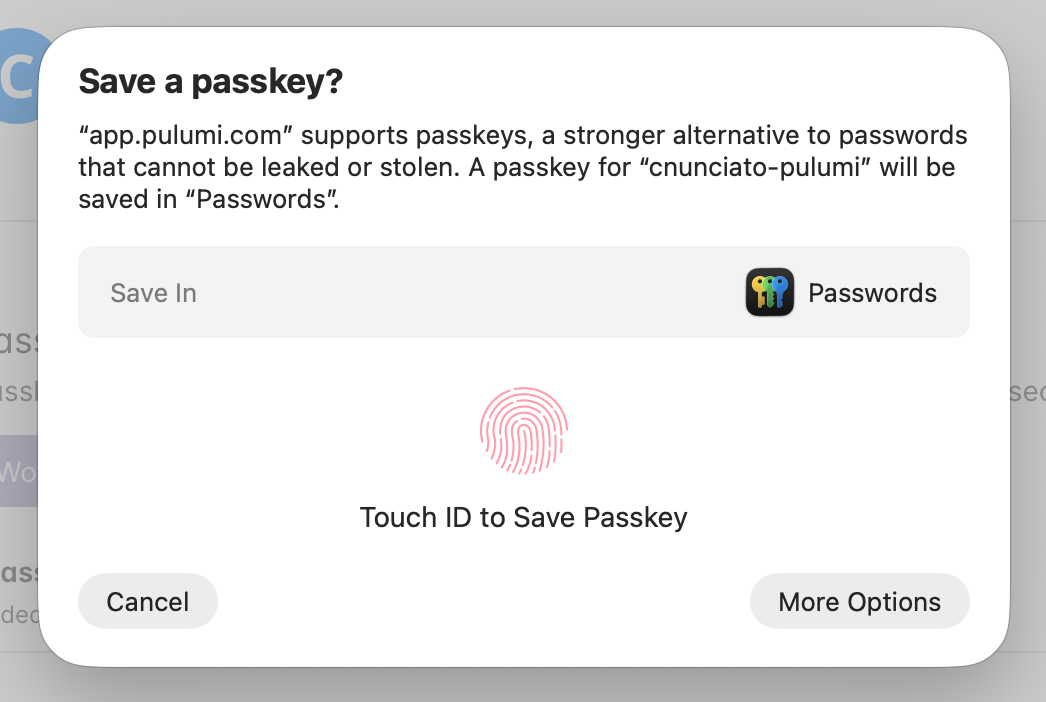
    Saving a new passkey in Pulumi Cloud

    Passkeys are available to all users of Pulumi Cloud. Read the announcement blog post or visit your account settings to set up your first passkey.

    Christian Nunciato

  • Versioned CLI and SDK docs

    Pinned to an older Pulumi CLI or SDK version and finding that the docs describe a newer release? The CLI command reference and the SDK API docs now include a version selector, so the documentation you’re reading matches the version you’re actually running. We keep immutable snapshots going back to v3.150.0, covering the CLI and the Node.js, Python, .NET, and Java SDKs, and your selection is sticky as you navigate.

    Read the announcement blog post or head straight to the CLI command reference to try the version dropdown.

    Christian Nunciato

June 2026

May 2026

May 2026 release

Building for agentic infrastructure

As agents take on more of the work of infrastructure, they need tools that meet them where they are.
Agent surfaces — Claude Code, OpenCode, Codex, and Pulumi Neo — around the Pulumi mark
  • Pulumi Service Provider v1.0

    The Pulumi Service Provider has officially reached v1.0 and is now generated from the public Pulumi Cloud OpenAPI specification, which commits to a stable contract for the existing resource surface and keeps the provider up to date automatically.

    This release also adds:

    • Fine-grained RBAC as code
    • Pulumi IDP (internal developer platform) as code
    • Audit-log export as code

    The release is live on npm, PyPI, NuGet, Maven Central, and pkg.go.dev.

    To learn more about this release, read the announcement post, and check out the provider’s documentation in the Pulumi Registry. See the v1.0.0 release notes for additional details.

    Christian Nunciato

  • EnterpriseBusiness Critical

    Clearer edit and review modes for ESC change requests

    Pulumi ESC change requests now cleanly separate editing a draft from reviewing one. The editor is always where you change the new version, the approval page is a read-only diff, and a banner on the environment lets you flip between the two. Both modes are deep-linkable, so you can send a coworker a URL to review — or co-edit — the same draft before it’s approved.

    Learn more about approvals in Pulumi ESC.

    Christian Nunciato

  • A refreshed Pulumi Cloud console

    The Pulumi Cloud console has a refreshed look: new colors; more consistent controls like inputs, selects, and buttons; a new collapsible sidebar with condensed hierarchical navigation; new layouts for tabular data; a new resource graph display; and much more.

    Check it out at https://app.pulumi.com and let us know what you think!

    Christian Nunciato

  • Neo task notifications

    Neo can now notify you when a task needs your input, either through native desktop notifications, an audible sound, or both. As you delegate more tasks to Neo and work more asynchronously, you’ll know right away whenever Neo is finished and waiting for you.

    You can enable Neo task notifications in Account settings > Neo settings in the Pulumi Cloud console.

    Christian Nunciato

  • Connect any Git or Mercurial repo with Custom VCS

    Custom VCS integrations connect any Git or Mercurial version control system to Pulumi Cloud, including self-hosted and third-party servers. Store your authentication credentials (SSH, basic auth, or a personal access token) in a Pulumi ESC environment, point the integration at your VCS server, and push to your repository to trigger Pulumi Deployments. Pulumi Neo can also clone and push to these repositories using the same credentials.

    To learn more, read the announcement post, and to set up your first integration, check out the Custom VCS documentation.

    Christian Nunciato

The infrastructure as code platform for any cloud.