
We’re excited to announce the Stash resource, a new built-in Pulumi resource that lets you save arbitrary values directly to your stack’s state. Whether you need to capture a computed result, record who first deployed your infrastructure, or persist configuration that should remain stable across updates, Stash provides a simpler and more ergonomic solution.
Why Stash?
Infrastructure code often produces values that need to persist beyond a single deployment. Maybe you’re generating a random identifier that should stay consistent, tracking which team member initially set up a stack, or recording a timestamp from the first deployment. Previously, you’d need workarounds like external storage, custom resources, or careful state manipulation.
The Stash resource helps with that. It takes an input value, stores it in your stack’s state, and makes it available as an output property. The output property preserves the original value even when the input changes in subsequent deployments, making Stash perfect for “first-run” scenarios where you want to capture and preserve a value from the initial deployment.
Using Stash
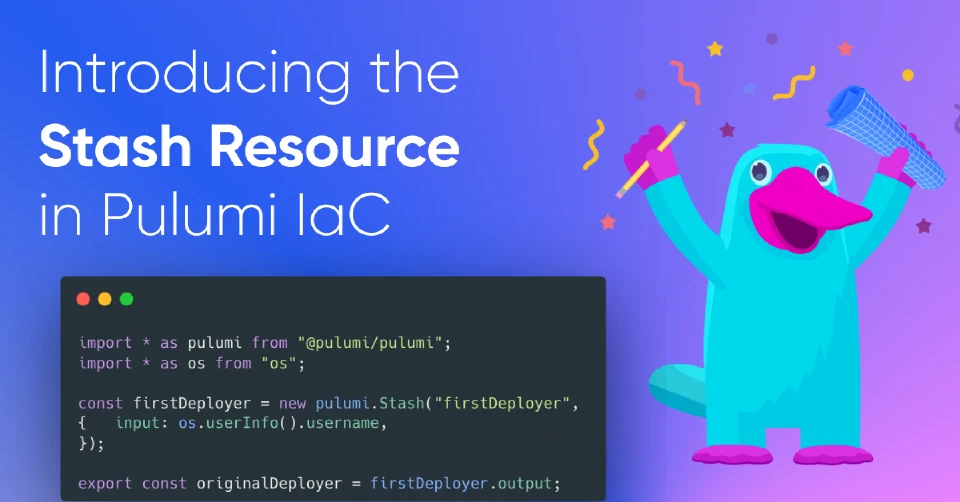
Creating a Stash is straightforward. Here’s how you’d capture the username of whoever first deploys the stack (using Node.js):
import * as pulumi from "@pulumi/pulumi";
import * as os from "os"; // Node.js built-in module

const firstDeployer = new pulumi.Stash("firstDeployer", {
    input: os.userInfo().username,
});

export const originalDeployer = firstDeployer.output;
The first time this runs, both input and output will show the current user. On subsequent deployments by different users, input will update to show the new user, but output will continue returning the original deployer’s name.
Stash supports any value type—strings, numbers, objects, arrays, and nested structures. It also respects secret annotations, so if you stash a secret value, it stays encrypted in your state.
When to replace
Since Stash preserves the original value by design, updating the stored value requires a replacement. You have several options:
Use --target-replace during pulumi up:
pulumi up --target-replace urn:pulumi:dev::my-project::pulumi:index:Stash::firstDeployer
Run pulumi state taint to mark the resource for replacement:
pulumi state taint urn:pulumi:dev::my-project::pulumi:index:Stash::firstDeployer
Use the replacementTrigger resource option to automate replacements based on value changes:
import * as pulumi from "@pulumi/pulumi";
import * as os from "os";

const remoteConfig = fetch("https://example.com/my-service").then(response => response.json())

const myStash = new pulumi.Stash("myStash",
    {
        input: os.userInfo().username,
    }, {
        replacementTrigger: remoteConfig.someValue,
    }
);

export const stashedValue = myStash.output;
With replacementTrigger, when remoteConfig.someValue changes, the Stash resource will be replaced and the new input value will be captured.
Learn more
The Stash resource is available now in Pulumi v3.208.0 and later across all supported languages. Check out the Stash documentation for detailed examples in TypeScript, Python, Go, .NET, and YAML.
We’d love to hear how you’re using Stash and any feedback you have on it! Share your use cases in our Community Slack or open an issue if you see any on pulumi/pulumi.
Happy hacking!