Export audit logs to AWS S3
Pulumi Cloud can continuously export audit log events to an Amazon S3 bucket. Once configured, new events are delivered automatically — no manual downloads or API polling required.
Configure export using the console
Navigate to the organization’s Settings.
Navigate to Audit Logs.
Use the three-dot menu and select Configure Audit Logs to S3.
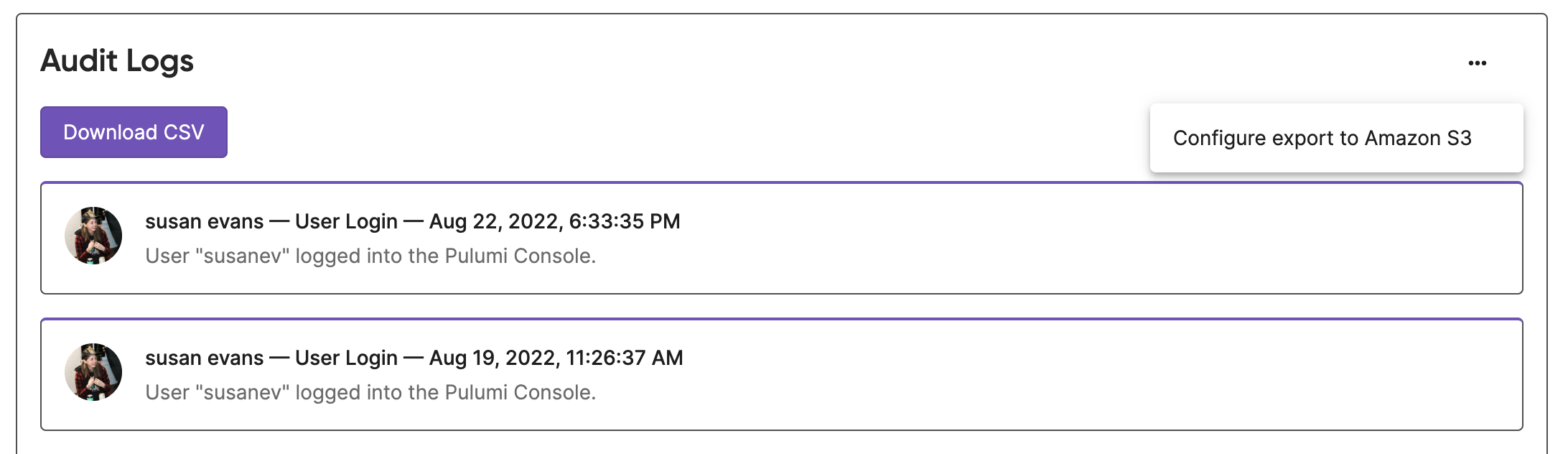
Follow the instructions to create an AWS S3 bucket.
Provide a bucket name and a filepath where Pulumi audit logs will be exported, e.g.,
Pulumi-audit-logs.Copy the provided policy.
In the AWS console create an IAM role.
Select Another AWS Account and check Require external ID.
Provide the Account ID and External ID, then attach the policy you created.
Provide the ARN of the IAM role.
Test your configuration.
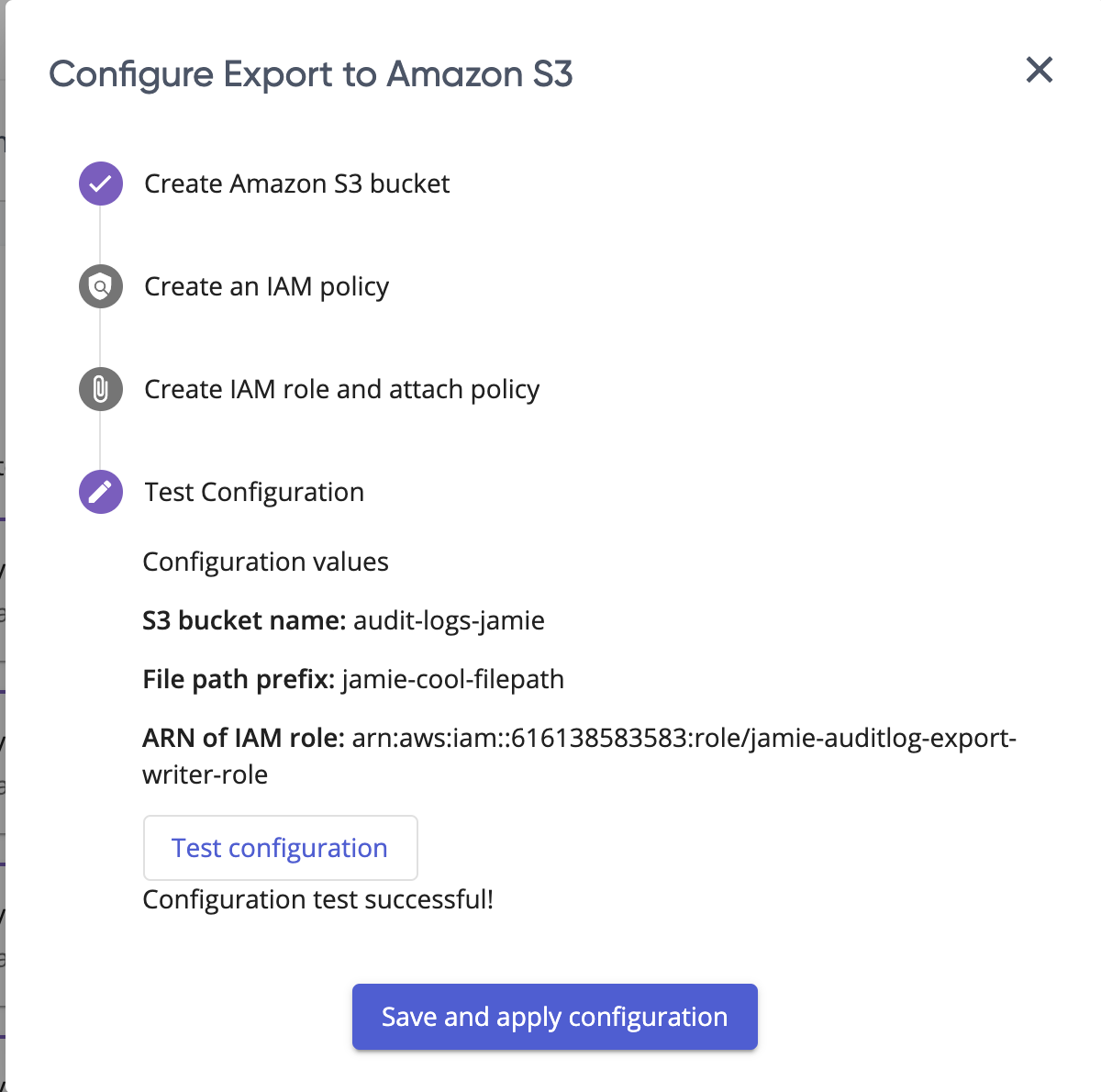
After a successful test, select Save and Apply.
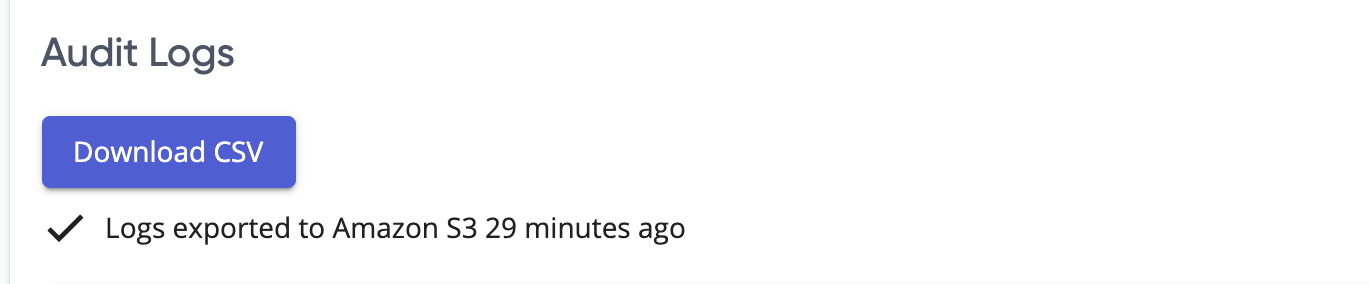
After an hour, verify that logs have successfully started exporting.
Thank you for your feedback!
If you have a question about how to use Pulumi, reach out in Community Slack.
Open an issue on GitHub to report a problem or suggest an improvement.