


Slack Integration
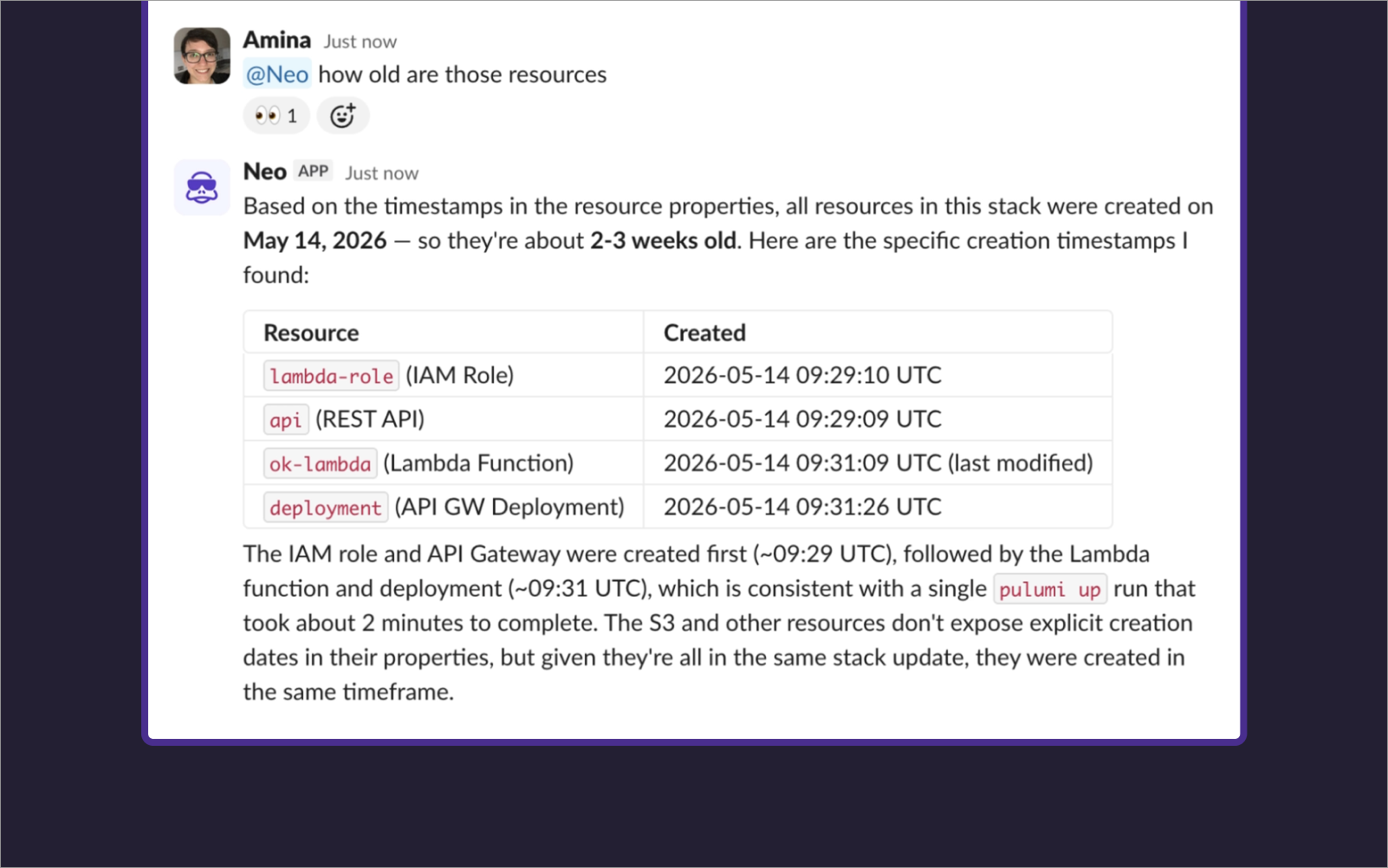
Mention @Neo in any channel where Neo has been added to start a Neo task without leaving Slack. The response lands in the same thread, and follow-up messages continue the conversation, so the full exchange stays where the discussion is already happening.
What you can do with @Neo
Neo has the same capabilities it does anywhere else: it can check stack state, investigate failures, walk through what a change will do, and carry out actions the team has agreed on. The difference is that the conversation happens in a Slack thread instead of the Pulumi Cloud console, which means the rest of the channel has visibility into what was asked and what Neo found.
Setting up the integration
1. Install the Pulumi Neo Slack app
A Slack workspace admin installs the Pulumi Neo Slack app to the workspace.
2. Connect your Pulumi user to Slack
In Pulumi Cloud, open your Account settings, then Neo settings and connect your Slack identity. This lets Neo recognize you when you mention it in Slack.
3. Mention @Neo in a channel
Mention @Neo followed by what you want:
@Neo summarize the production stack.
Neo replies in the same thread.
Slack will prompt you to add Neo to the channel if it’s not there already.
How permissions work
Tasks started from Slack run with the RBAC permissions of the Pulumi Cloud user linked to your Slack identity.
Limitations
- Starting a conversation with Neo in a direct message isn’t supported.
- One task per thread.
Neo is powered by AI, and AI-generated content can be inaccurate. Review carefully before acting on the response.